 DATA GOBLINS
Learn Tabular Editor with a Quiz (using a C# Script / Macro!)
From the archive. Published 3 years ago. Power BI and Fabric have changed since, so parts of this may be out of date or describe features that no longer work this way.
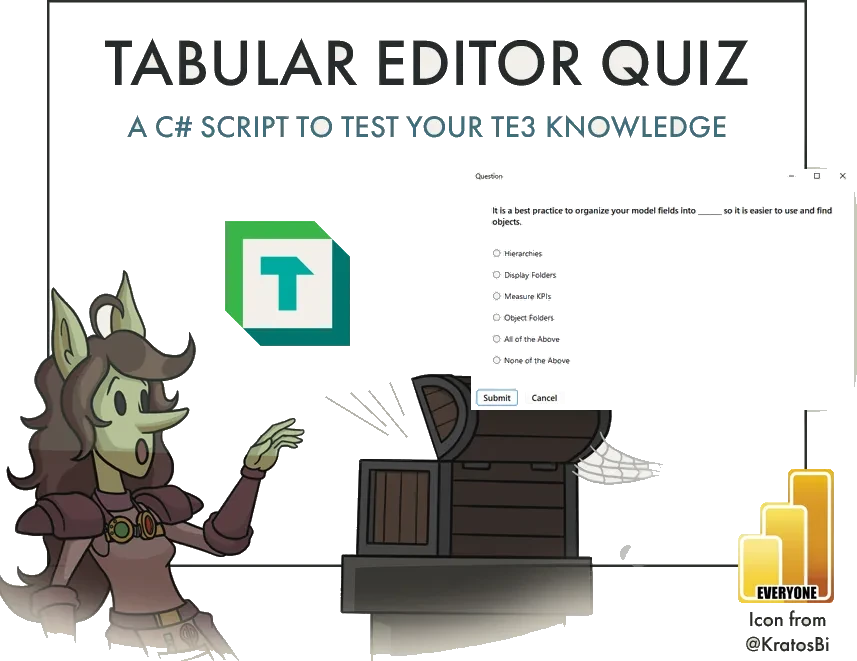
A TABULAR EDITOR 3 QUIZ
…run the C# Script to* learn and test your knowledge about Tabular Editor 3***

SCRIPTING IN TABULAR EDITOR: PRODUCTIVITY UNLEASHED
In recent articles, I have discussed the power of Tabular Editor scripting in improving efficiency and automation of Tabular Modeling tasks. These scripts unlock a wide range of possibilities, including UI-driven experiences. This is helpful, as it lets you request and take user input for use in downstream parts of the script. You can find examples of this in the Tabular Editor Script Library, with select examples highlighted, below:
FIND AND REPLACE IN MEASURE DAX
 Request user input (‘Find’ input box) to search all model measures for a substring in their DAX expressions, replacing it with another substring (‘Replace’ input box).
CREATE DATE TABLE
 Create, configure and organize a date table in the model, automatically. Click the image to see the script.
FIND ALL MEASURES WITH ERRORS / DELETE ALL MEASURES WITH ERRORS
 This script will automatically detect all measures that currently have errors in their DAX expressions. You can then automatically delete all measures with DAX errors, and save a back-up of these measures to a local directory.
CONFIGURE INCREMENTAL REFRESH
 Request the user selects from a list of DateTime or Int columns in the model to configure Incremental Refresh, and provides a user-friendly dialog to configure the Refresh Policy automatically for the respective table.

In this article, I share a script that generates a randomized, educational, 10-question quiz about Tabular Editor 3. For each question, you will receive feedback, context and additional references (if available) about the particular topic to which the question pertained. The purpose of this script is to demonstrate how user input can be collected and used in a C# script. Further, I hope this also provides some helpful information and references about Tabular Editor 3, in general.
This article focuses on Tabular Editor 3; any mention of ‘Tabular Editor’ refers to Tabular Editor 3.
THE TABULAR EDITOR QUIZ
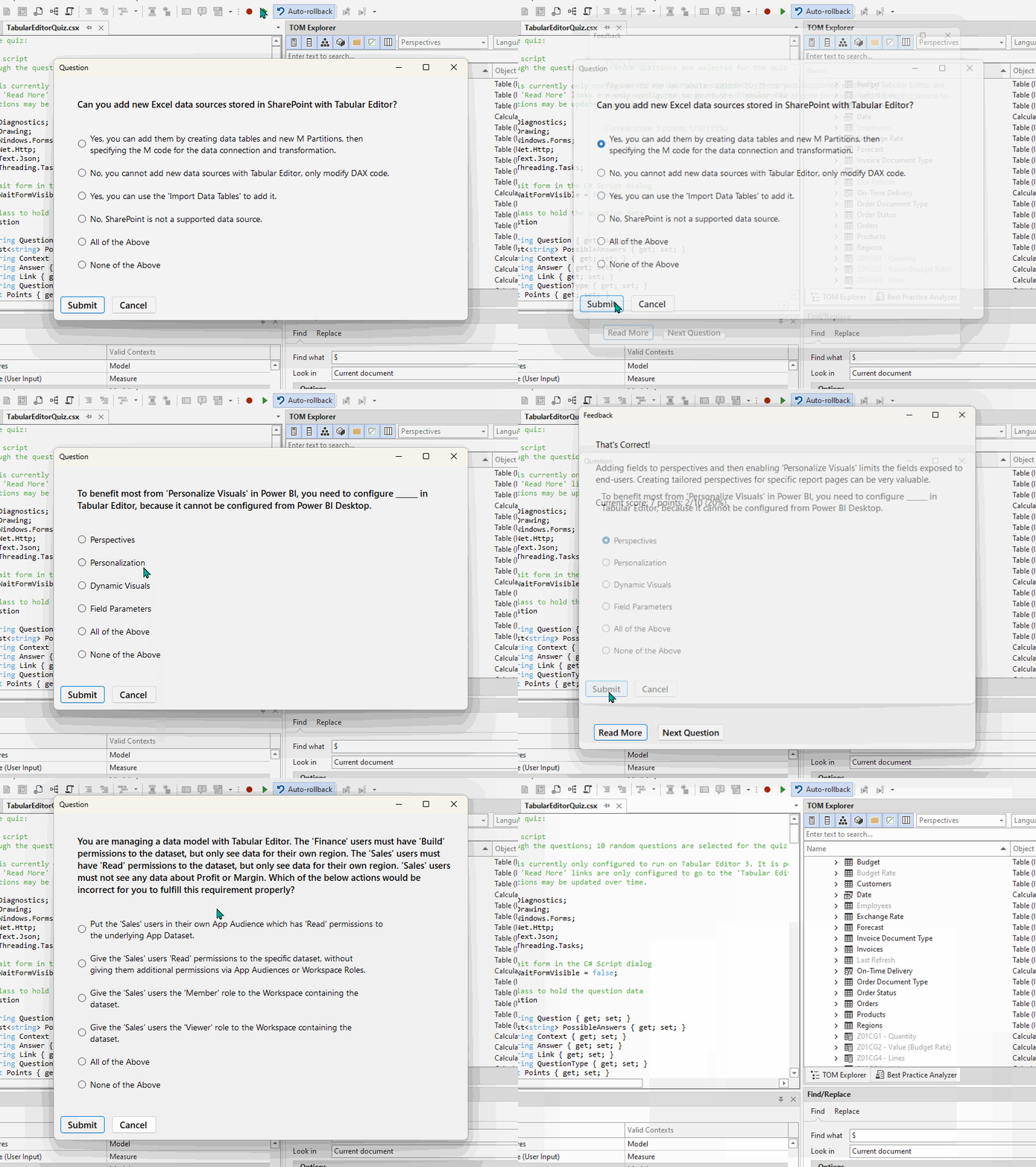
If the below script is copied into a Tabular Editor C# Script window, you can run it to play a Quiz about Tabular Editor 3. Ten questions are selected from a pool stored on a public GitHub repository. A web request is sent to retrieve and parse the questions, which are then used in the downstream script to run the quiz for you. Test your knowledge and learn more about what Tabular Editor 3 has to offer!
Additional questions might be added at a later date.
If you have feedback about existing questions, let me know in the comments below, or by submitting a PR to the public GitHub repository. This was thrown together very quickly,
Enjoy!
TO CONCLUDE

Tabular Editor scripting is incredibly powerful. You can leverage the available libraries and methods in Tabular Editor to interact with the model, while also leveraging the power of the C# language to do more sophisticated operations. In this exercise, I attempted to create an educational Tabular Editor quiz to help you learn more about Tabular Editor.
Have fun playing the Quiz! Try for a new high score!
Read more about Tabular Editor, for example: