 DATA GOBLINS
Can't Enable Audit Log in Office Compliance Portal
From the archive. Published 4 years ago. Power BI and Fabric have changed since, so parts of this may be out of date or describe features that no longer work this way.
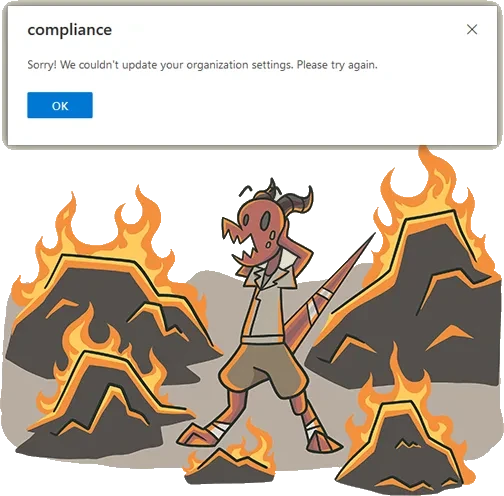
Getting this error? It’s probably because your tenant is “dehydrated”. Call support and ask to rehydrate it.
TL;DR - YOUR TENANT MIGHT BE DEHYDRATED
In order to enable Audit Logs, you have to be able to enable organization customization. Read on to see how to do that. If you cannot enable organization customization, it’s likely because your tenant is dehydrated. This basically means that it is kept in a default, consolidated state to save space in the Microsoft Datacenter.
To re-hydrate it, you have to call support and ask them to do it on their back-end, which takes ~24-48h.
TESTING FROM POWERSHELL
I wanted to enable Audit Logs for an environment in order to track Power BI activities. Unfortunately, I got the error at the top of the page when trying this from the Compliance Portal. I first received feedback that there was throttling, and I should wait and try again. Unfortunately, even a week later, I got the same result. So I decided to investigate further with the available PowerShell commands, following up on people who had similar issues in the past.
-
Ensure you have the ExchangeOnlineManagement module installed. Run ISE as Administrator and enter the following:
-
Login to ExchangeOnlineManagement
-
Check if Audit Logs are enabled, programmatically
If the below returns false then audit logs are not enabled, which you already probably know. If it returns true, then there is another issue with returning the activity log entries.
 4. Try to enable Audit Logs programmatically
If the below returns the error in the image, then you need to enable organization customization.

- Try to enable organization customization
You can try with no argument, with** -Confirm**, and with** -Verbose.** In forums, I saw that some folks had success with either.
If the below returns an error including information about ‘tiny-tenant… different serviceplan…’ and something about ‘$AdvancedHydrateableObjectsSharedEnabled’… that means your tenant is probably** dehydrated**.

- Confirm whether your** tenant is hydrated**
If the below returns true then you need to call support and ask them to re-hydrate your tenant.
